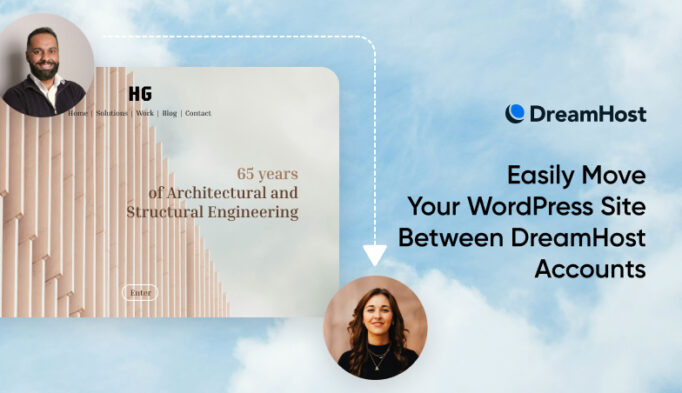
Moving a website to a DreamHost account just got a whole lot easier.
Our new Account-to-Account Site Move tool used to be a manual, multi-step process involving backups, file transfers, and database imports. Now, moving a WordPress site between two DreamHost accounts can be done entirely from the DreamHost panel! No technical skills required.
What’s New?
- Fast, in-panel transfers
Available for WordPress sites—just head to Manage Websites and select Account-to-Account Site Move - No need for manual backups
Skip the tedious download/upload process—once both parties confirm, the move happens automatically in the background - Simple, secure confirmation
Use a short-lived move key (valid for 48 hours) to verify the receiving account and start the transfer - Clear move statuses
Know exactly where your site move stands with built-in progress tracking updates
For more details on how site moves work—or what to expect during the process—check out our Knowledge Base article.